In our previous post, How AI Agents Are Taking Over WordPress Maintenance and Why That's a Good Thing, we explored the macro shift toward agentic AI workflows and how they are solving the consistency gaps inherent to manual site management. But while the theory makes perfect operational sense, the actual implementation requires a disciplined framework. Handing over the keys of a production environment to an autonomous tool can be daunting for any engineering team. To do it safely, developers need to understand the practical guardrails, baseline requirements, and boundaries of human accountability.
Eunice Orozco, Technical Lead at Monstarlab, works across WordPress projects of varying scale and complexity. Here are three of her key takeaways on what it actually looks like to bring AI into a WordPress maintenance workflow.
1. Know What to Hand Off and What to Hold On To
Not every maintenance task is a good candidate for automation. The ones that are tend to share the same characteristics: they run frequently, follow a clear set of rules, and don't require much knowledge of the business context behind the site.
"The tasks most suitable for AI handoff are those that are high-frequency, rule-based, and require minimal business context. Examples include plugin updates on staging environments with automated rollback, uptime monitoring, backup verification, and security log scanning. However, I would never fully automate security incident response or updates on sites with extensive custom development. Once a breach is confirmed, the response involves legal considerations, client communication, and architectural decisions that require human judgment."
— Eunice Orozco, Technical Lead
Automation works well where the process is predictable. The moment a situation calls for context or judgment, a person needs to be in the loop.
2. Set the Foundation Before the Agent Runs
Handing maintenance off to an AI tool without the right setup in place is where things go wrong. Before any AI agent is trusted to make changes to a production site, three things need to be ready:
- A staging environment that closely mirrors production.
- Health checks that verify critical functions like checkout flows, forms, and API endpoints, not just whether the site loads.
- Clear rollback criteria defined before the agent runs, not after something breaks.
"AI is only as safe as the testing behind it. It's also important to enable logging from the start so you can audit what the agent actually did, not just what it claimed to have done."
— Eunice Orozco, Technical Lead
The prerequisites aren't optional groundwork. They're what makes the automation trustworthy in the first place.
3. The Consistency Is Real, But So Is the Blind Spot
Where AI tools genuinely deliver is consistency and scale. Routine tasks that would slip in a busy week get handled on schedule, every time. But there's a limitation that every team working with these tools eventually runs into.
"The real value of AI is consistency and scale. Where AI still falls short is context. It may flag expected behavior, such as a spike in 404 errors after a content migration as a problem, or undo intentional performance trade-offs. Every site requires tuning to reduce false positives, and that tuning still depends on someone who understands the project. Regularly reviewing agent logs helps ensure the automation is helping rather than creating extra work."
— Eunice Orozco, Technical Lead
The tools are getting better quickly, but right now the accuracy of an AI-assisted maintenance setup is directly proportional to how well a developer has configured and calibrated it for the specific site it's managing.
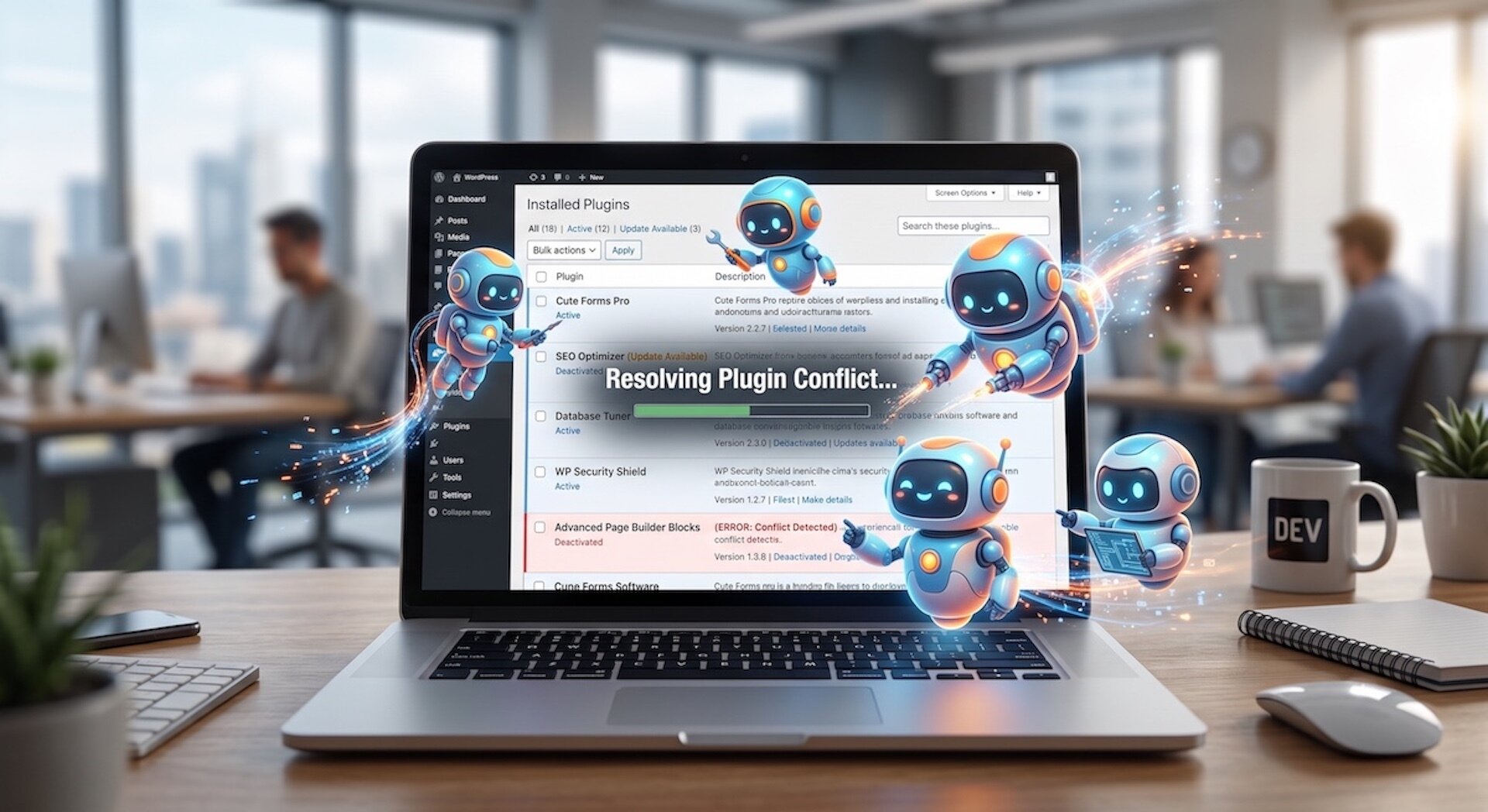
Balancing Automation with Human Accountability
Shifting routine maintenance to AI tools doesn't mean walking away from site management. Automation handles a lot, but it also has failure modes, and knowing where human judgment still needs to be in the loop is what keeps an AI-assisted workflow from creating a false sense of security.
Reviewing What the Agent Actually Did
AI monitoring tools are good at spotting anomalies. They're less reliable at understanding what those anomalies mean for a specific project. A wave of 404 errors after a content migration might be completely expected. A small drop in Lighthouse scores after a major plugin update might be a known and accepted trade-off. When an agent reports these as problems without any context, it creates noise. In the worst case, it triggers automated rollbacks of changes that were deliberate.
Developers should check agent logs and action histories on a regular basis. Not to override the automation, but to build a clear picture of what the tool is doing and tune its thresholds so it stays useful rather than becoming another alert to dismiss.
Owning Security Incident Response
AI security tools are built to detect and flag suspicious behavior. They should not be the ones deciding how to respond when a breach is confirmed. A proper incident response involves understanding what data may have been exposed, how the attacker got in, whether the site is still at risk, and what needs to be communicated to affected users or clients. Those calls involve legal, ethical, and reputational considerations that belong to a person, not a tool.
Human ownership of security incident response stays non-negotiable no matter how good the detection layer gets.
Validating Updates on Complex or Custom Builds
Automated update tools work well on sites with standard setups. For sites with significant custom development, including bespoke theme logic, complex ACF structures, custom REST API endpoints, or deeply integrated third-party services, automated health checks may not catch every way something can break. A staging environment with a solid health check suite reduces that risk, but a developer who actually knows the site's architecture still needs to sign off on major updates before they go anywhere near production.
AI Is a Maintenance Partner, Not a Replacement
WordPress maintenance has always been necessary. It keeps sites secure, running well, and recoverable when something goes wrong. What AI agents are changing is how much it costs, in time and attention, to do that maintenance properly.
Teams that set up AI-assisted workflows with the right human oversight in place end up with better-maintained sites and more time for the work that matters. The tooling is still maturing, and human judgment stays essential in the right places. But the direction is clear. Teams that build these workflows now will have a real operational edge over those that treat maintenance as a purely manual task for years to come.
For organizations looking to rethink how their WordPress infrastructure gets managed, Monstarlab brings the WordPress, PHP, and systems expertise to build maintenance workflows that combine the efficiency of automation with the technical accountability that complex sites need.
---
End Notes
WordPress.org. WordPress Coding Standards. https://developer.wordpress.org/coding-standards/
WP Umbrella. WordPress Maintenance and Monitoring Platform. https://wp-umbrella.com/
ManageWP. WordPress Management and Maintenance Tools. GoDaddy. https://managewp.com/